 Finowl
Password breach checks · HR and recruiting
Breached password checks for HR and payroll portals
Employee portals that control pay, benefits and tax documents are prime targets for credential stuffing. Requiring that new passwords not appear in breach data closes off the easiest path for attackers, and it follows NIST SP 800-63B guidance on screening passwords against known compromised values. Finowl returns whether a password has been seen in breach data and how many times, so you can set a clear threshold.
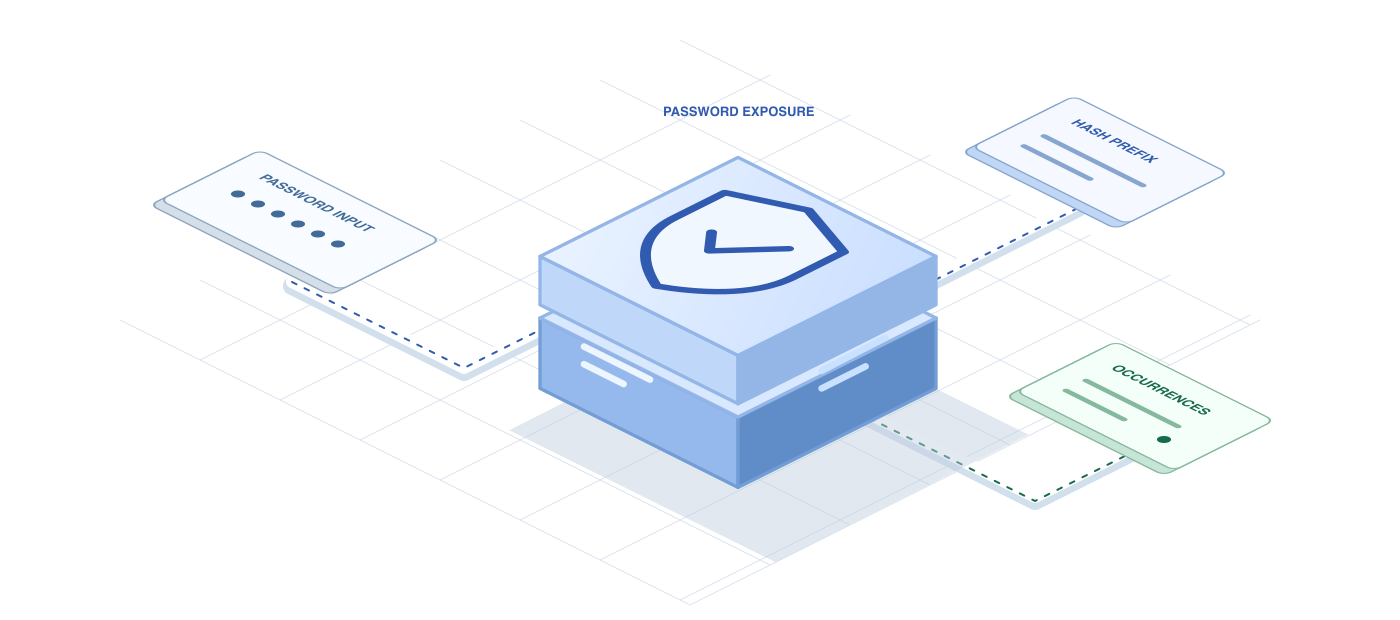
Privacy matters even more when the account holder is an employee who cannot easily opt out of your system. Finowl hashes each password with SHA-1 and queries only a 5-character prefix using a padded k-anonymity range search. The password is processed transiently and is never logged, stored or returned, which makes the check easier to explain to works councils, security reviewers and employees alike.
USE CASES
Where it fits in hr and recruiting
Payroll portal enrollment
When new hires activate their payroll or benefits account, reject passwords that appear in breach data so the account that controls their pay never starts with a compromised credential.
Recruiter password policy
Apply breached-password screening whenever recruiters or agency partners set or reset credentials, since their accounts can search, download and export candidate data at scale across every open requisition in the system.
Candidate portal accounts
Encourage applicants to choose a fresh password when creating a career site account, reducing the chance that a leaked password from another service opens their application history.
Offboarding and return checks
When contractors or returning employees reactivate dormant accounts, require a new password that is not found in breach data before restoring access to HR records.
HOW TO INTEGRATE
The workflow
- 1
Intercept the new password in your backend signup, activation or reset handler before hashing it for storage.
- 2
Send it to POST /v1/breaches/password and read breached and count from the response.
- 3
Reject the password with a clear, friendly message if count is above your threshold.
- 4
On 5xx or 504 errors, apply your local password rules and allow the flow to continue.
- 5
Confirm that request bodies are excluded from logs, traces and error reports across your HR stack.
curl https://api.finowl.co/v1/breaches/password \
  -H "Authorization: Bearer $FINOWL_API_KEY" \
  -H "Content-Type: application/json" \
  -d '{
  "password": "correct-horse-battery-staple"
}'
Runs when a new hire activates a payroll account. A breached result asks the employee to choose another password before the account can be used.
GOOD PRACTICE
Before you ship
Redact password fields in every log and monitoring tool. HR systems often have extensive audit logging, and request bodies must never be captured there.
Communicate the policy to employees during onboarding. People accept a rejected password more readily when they know breached values are blocked for everyone's protection.
Avoid lockouts during critical windows such as payroll cutoff. If Finowl is unavailable, fall back to local rules rather than preventing employees from reaching pay information.
Read the API reference for every field and error code. Each lookup costs 1 credit; see pricing.
A FEW GOOD QUESTIONS
Common questions
More for hr and recruiting
Breached password checks for HR and payroll portals
Start with 100 free credits every month and test the request above in the sandbox.