 Finowl
Password breach checks · Travel and hospitality
Breached password checks for travel loyalty programs
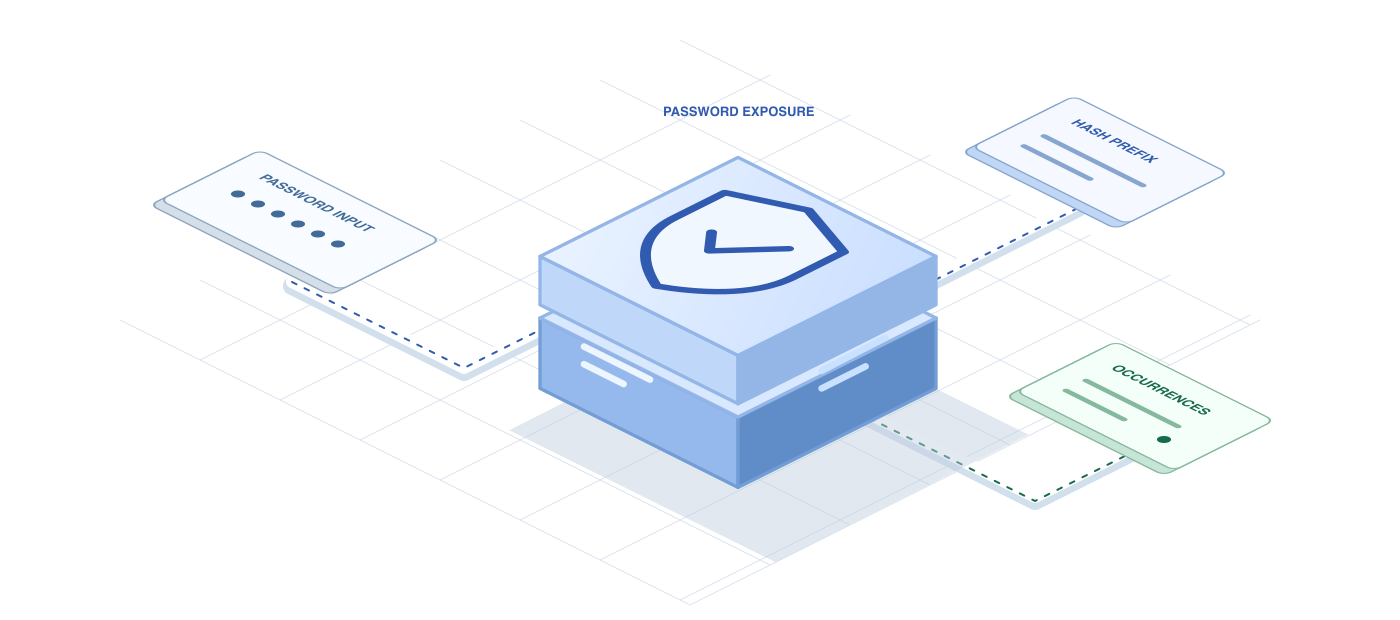
Loyalty members often set a password once and forget it, which makes old, reused passwords a common entry point for point theft. Checking passwords against breach data at enrollment, reset and login removes the credentials attackers are most likely to try. Finowl returns whether a password has been seen in breach data and a count of appearances, following the approach recommended in NIST SP 800-63B.
Guests trust you with payment details and travel plans, so the check itself must be private. Finowl hashes the password with SHA-1 and looks up only a 5-character prefix through a padded k-anonymity range search. The password is processed transiently and is never logged, stored or returned, which keeps your security review simple and your privacy story easy to explain.
USE CASES
Where it fits in travel and hospitality
Loyalty enrollment
When travelers join your program during booking, reject passwords that appear in breach data and suggest a passphrase, so new members are protected before points start to accumulate.
Silent checks at login
After a successful login, check the password in the background and ask the member to change it before their next redemption if it appears in breach data.
Post-incident resets
If you detect credential stuffing against your loyalty login, require members whose current password appears in breach data to reset it at their next sign-in.
Partner and agent portals
Apply the same check to travel agent, corporate booker and property staff portals, where a single account can create, change and cancel many reservations and view many guest records.
HOW TO INTEGRATE
The workflow
- 1
In your auth backend, send new or changed passwords to POST /v1/breaches/password before hashing them for storage.
- 2
Reject passwords where breached is true and count exceeds your agreed threshold.
- 3
Show members a short message explaining the rejection and suggesting a password manager.
- 4
If the call fails with a 5xx or 504 response, apply local rules and recheck at the next login.
curl https://api.finowl.co/v1/breaches/password \
  -H "Authorization: Bearer $FINOWL_API_KEY" \
  -H "Content-Type: application/json" \
  -d '{
  "password": "correct-horse-battery-staple"
}'
Runs when a traveler joins the loyalty program during checkout. A breached result asks for a different password before the account is created.
GOOD PRACTICE
Before you ship
Keep checkout fast. If the check is slow or unavailable, fall back to local rules instead of making a guest abandon a booking.
Redact password fields in booking engine logs, analytics tags and error tools, since travel stacks often pass form data through several third-party systems.
Tell members why. A short note that the password appeared in a known breach is clearer than a generic complexity error and reduces support contacts.
Read the API reference for every field and error code. Each lookup costs 1 credit; see pricing.
A FEW GOOD QUESTIONS
Common questions
More for travel and hospitality
Breached password checks for travel loyalty programs
Start with 100 free credits every month and test the request above in the sandbox.