 Finowl
Email breach checks · Education and edtech
Email breach checks for edtech and online learning
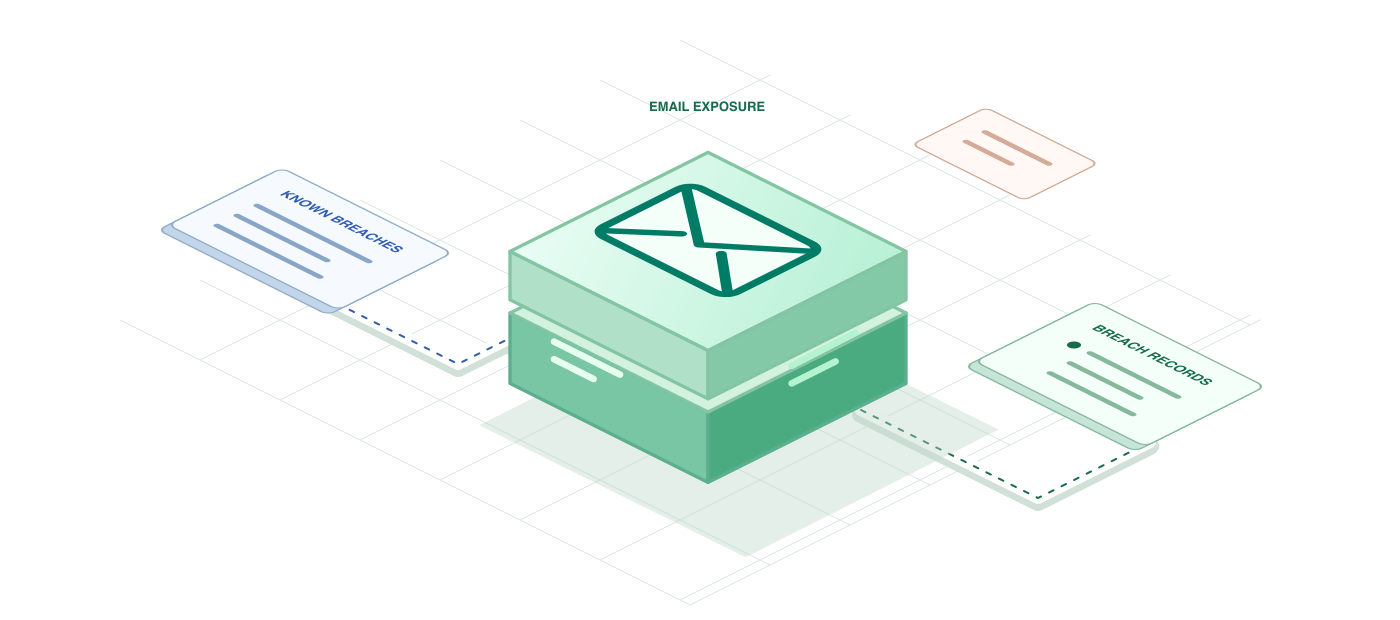
An email address that appears in breach data is a signal that the person's credentials may already be circulating. For a learning platform, that matters most at the moments when an account gains value: when an adult learner buys a certificate track, when an instructor is granted publishing rights, or when an administrator connects a learning management system. A quick check against Finowl Intelligence tells you whether the address has been exposed and which kinds of data leaked.
Use the result to decide how much friction to add, not whether someone may study. A breached address with leaked passwords might trigger a mandatory password reset and two-factor setup for instructors, while a learner sees a gentle prompt to choose a fresh password. Because the response lists data classes and breach dates, your support team can explain the risk in plain language instead of sending a generic security warning.
USE CASES
Where it fits in education and edtech
Instructor onboarding checks
When an instructor account is created or upgraded to publishing rights, check the email and require two-factor authentication and a new password if it appears in breaches that exposed passwords.
Risk-based login prompts
Combine a breached email with signals such as a new device or unusual location to trigger a one-time code, instead of adding friction for every learner on every login.
Support desk context
When a learner reports lost course access, support agents can see whether the address appears in known breaches, which helps them spot likely account takeover and choose the right recovery path.
Admin account reviews
Run periodic checks on staff and administrator emails that can export rosters or change grades, and schedule credential rotation for any address that shows new exposure since the last review.
HOW TO INTEGRATE
The workflow
- 1
Create an API key in the Finowl dashboard and store it as FINOWL_API_KEY on your backend, never in the learner-facing app.
- 2
Call POST /v1/breaches/email from your signup and role-upgrade handlers with the address the person entered.
- 3
Inspect breached, IsVerified and DataClasses to separate password-exposing breaches from lower-risk spam lists.
- 4
Map the result to a policy, such as requiring two-factor setup for exposed instructor accounts.
- 5
Log only the decision and timestamp, and retry 429 responses after the Retry-After interval rather than immediately.
curl https://api.finowl.co/v1/breaches/email \
  -H "Authorization: Bearer $FINOWL_API_KEY" \
  -H "Content-Type: application/json" \
  -d '{
  "email": "instructor.design@example.com"
}'
Checks an instructor's address during a role upgrade. If breached is true and DataClasses includes Passwords, require a password reset and two-factor setup before publishing rights are granted.
GOOD PRACTICE
Before you ship
A breached email does not mean the account is compromised. Treat it as one risk signal and avoid locking learners out of coursework purely because their address appeared in an old breach.
Mention breach checks in your privacy notice, run them server side, and keep stored results minimal so you are not building a long-lived exposure profile for each learner.
Phrase prompts helpfully. Telling an adult learner their email appeared in a public breach and suggesting a new password works better than an alarming, unexplained security block.
Read the API reference for every field and error code. Each lookup costs 1 credit; see pricing.
A FEW GOOD QUESTIONS
Common questions
More for education and edtech
Email breach checks for edtech and online learning
Start with 100 free credits every month and test the request above in the sandbox.