 Finowl
Password breach checks · Education and edtech
Breached password checks for edtech platforms
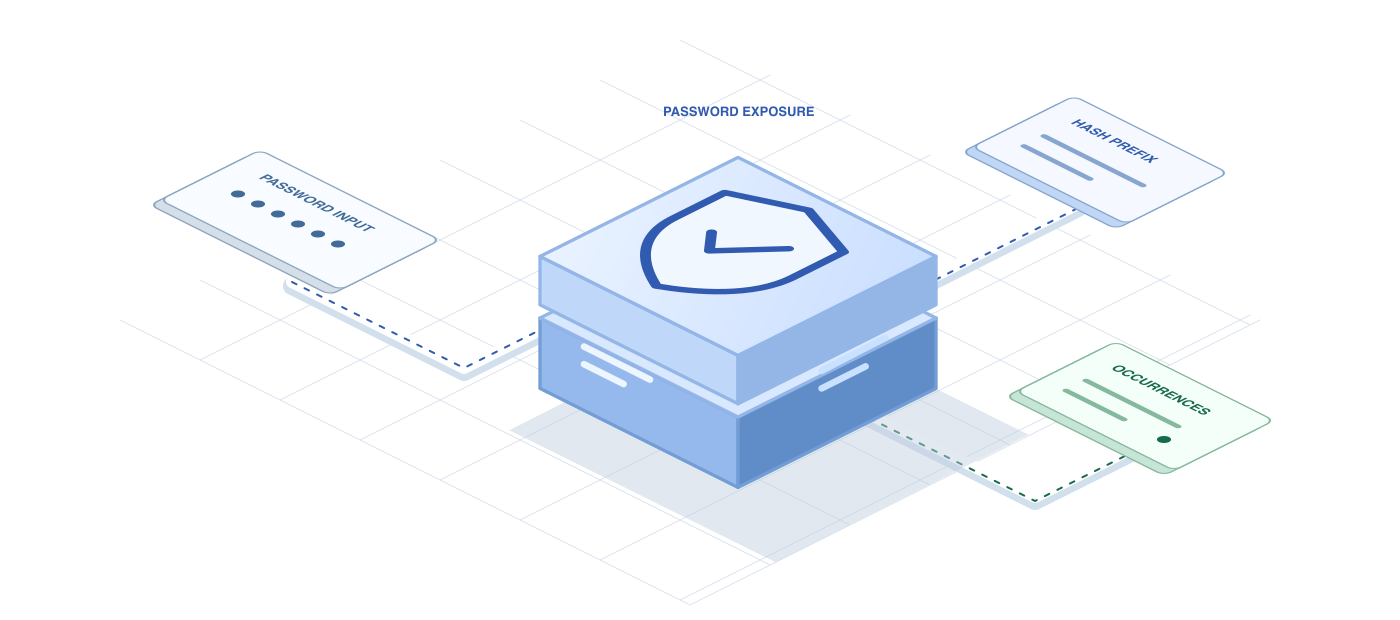
Course platforms are a common target for credential stuffing because accounts hold paid content and personal progress. NIST SP 800-63B recommends comparing new passwords against lists of values known to be compromised, and Finowl makes that a single API call. When a learner or instructor picks a password at signup or during a reset, you learn whether it appears in breach data and how many times it has been seen.
Finowl hashes the password with SHA-1 and looks up only a 5-character hash prefix using a padded k-anonymity range search. The password is processed transiently and never logged, stored or returned. That design lets an education provider enforce a modern password policy without shipping plaintext secrets around, and without forcing the complex composition rules that frustrate adult learners returning to study after years away.
USE CASES
Where it fits in education and edtech
Signup password screening
Reject passwords with a high breach count when an adult learner creates an account, and suggest a passphrase instead, so new accounts start with credentials attackers are unlikely to try first.
Instructor password resets
Require that instructors and teaching assistants pick a password not found in breach data whenever they reset credentials, since their accounts can alter grades and course materials.
Login-time upgrades
After a successful login, check the submitted password in the background and ask the learner to change it on their next visit if it appears in breach data.
Campus single sign-on fallbacks
For institutions that keep local passwords alongside single sign-on, apply the same breached-password check to fallback accounts used by external examiners, visiting faculty or guest lecturers who sign in only a few times per term.
HOW TO INTEGRATE
The workflow
- 1
Send the candidate password from your server to POST /v1/breaches/password over TLS as soon as the learner submits the form.
- 2
Read breached and count from the response and compare count against a threshold your team has agreed on.
- 3
Return a friendly inline message asking for a different password when the check fails, without echoing the password back.
- 4
Treat 5xx and 504 responses as unknown and fall back to your local policy instead of blocking signup.
- 5
Discard the password from memory once hashing for your own storage is complete.
curl https://api.finowl.co/v1/breaches/password \
  -H "Authorization: Bearer $FINOWL_API_KEY" \
  -H "Content-Type: application/json" \
  -d '{
  "password": "correct-horse-battery-staple"
}'
Run during learner signup or an instructor password reset. If breached is true, ask for a different password; the count shows how widely it has circulated.
GOOD PRACTICE
Before you ship
Never log the request body. Configure your API gateway and error tracking so password fields are redacted before anything reaches logs or analytics tools.
Pick a threshold that fits your audience. Blocking any password seen even once is strictest; some platforms warn on low counts and block only widely circulated values.
Explain why a password was rejected. Adult learners respond better to a short note about breached passwords than to a vague complexity error.
Read the API reference for every field and error code. Each lookup costs 1 credit; see pricing.
A FEW GOOD QUESTIONS
Common questions
More for education and edtech
Breached password checks for edtech platforms
Start with 100 free credits every month and test the request above in the sandbox.