 Finowl
Email breach checks · SaaS
Email breach checks for SaaS logins and admins
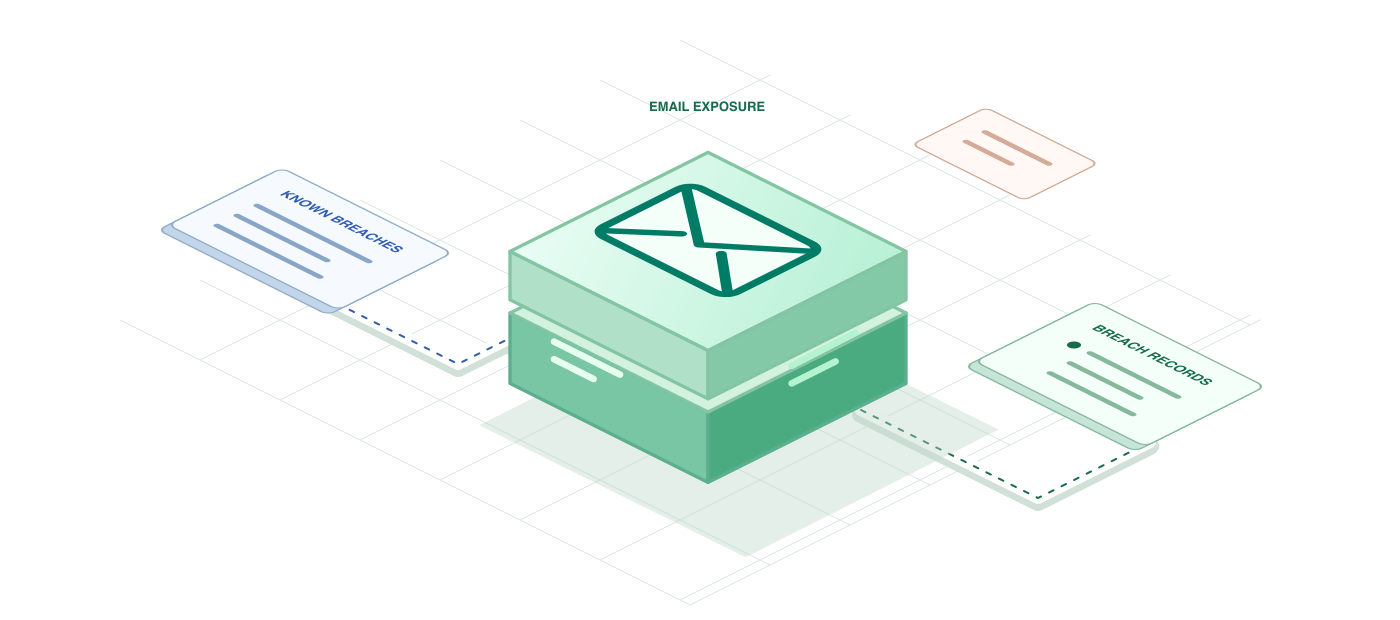
For a SaaS product, the riskiest moments are not only logins. They include granting admin rights, creating API tokens, changing billing owners and disabling SSO enforcement. Checking the acting user’s email against known breaches gives your authorization layer one more piece of context, and the breach list shows whether passwords were part of what leaked.
Security teams can also surface the signal to customers. A workspace admin dashboard that highlights members with exposed emails and no multi-factor authentication turns breach data into a practical to-do list, helping customers tighten their own posture without your team handling every case. Refresh those results periodically instead of on every page load to keep credit use predictable.
USE CASES
Where it fits in saas
Admin privilege changes
Before a user is promoted to workspace owner or admin, check their email and require recent multi-factor verification when it appears in breaches that exposed passwords.
API token creation
Long-lived API tokens outlast sessions. Add a breach check when a user creates one, and require re-authentication if the email is exposed and the session started on a new device.
Workspace security dashboard
Show admins which members have breached emails and no second factor, so they can nudge those users to enroll in multi-factor authentication or switch them to SSO.
Support identity checks
When someone asks support to change a login email or remove two-factor authentication, show agents the breach status so they can follow a stricter verification script.
HOW TO INTEGRATE
The workflow
- 1
Add FINOWL_API_KEY to the secrets of your identity or authorization service.
- 2
Call POST /v1/breaches/email on sensitive actions such as role changes, token creation and SSO setting changes.
- 3
Summarize the response into a breached flag, a count of password-exposing breaches and the latest BreachDate.
- 4
Use that summary in policy checks that decide whether to require re-authentication or multi-factor confirmation.
- 5
Refresh results on a schedule for admin dashboards rather than on every page view, to save credits.
curl https://api.finowl.co/v1/breaches/email \
  -H "Authorization: Bearer $FINOWL_API_KEY" \
  -H "Content-Type: application/json" \
  -d '{
  "email": "workspace.admin@example.com"
}'
Check the acting user before granting admin rights or creating API tokens. A clean result returns breached false and an empty breaches array.
GOOD PRACTICE
Before you ship
Customer admins may see breach indicators about their members, so describe the feature in your privacy notice and data processing terms and limit who can view it.
Do not lock users out because of a breached email. Use it to require multi-factor authentication or re-authentication, which protects the workspace without creating support tickets.
Respect the 60 requests per minute limit during bulk invites or migrations by queuing checks and processing them steadily instead of firing them all at once.
Read the API reference for every field and error code. Each lookup costs 1 credit; see pricing.
A FEW GOOD QUESTIONS
Common questions
More for saas
Email breach checks for SaaS logins and admins
Start with 100 free credits every month and test the request above in the sandbox.