 Finowl
Password breach checks · SaaS
Breached password checks for SaaS signup and resets
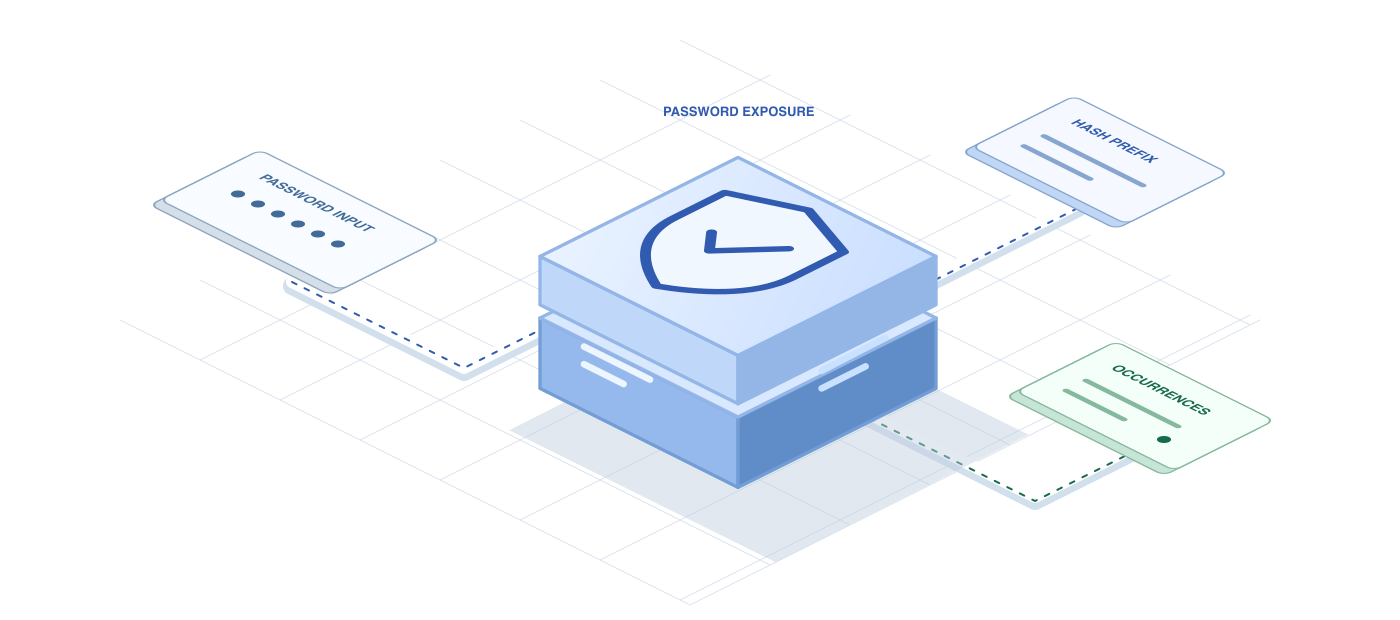
SaaS products that offer email and password login alongside SSO need a strong baseline for the password path. Checking new passwords against breach data is one of the simplest controls with real impact, and NIST SP 800-63B recommends it. The Finowl password breach API returns a breached flag and count in a single POST request from your auth service.
Invite flows deserve the same attention as public signup. A new teammate who accepts an invitation and picks a reused password puts the whole workspace at risk. Finowl hashes the password, queries only a short hash prefix and never logs, stores or returns it, so the check fits into security questionnaires your customers send.
USE CASES
Where it fits in saas
Invitation acceptance
When an invited teammate sets their first password, screen it before activating the account, since invited users inherit access to shared projects and data immediately.
Self-serve trial signup
Screen passwords on trial registration so evaluators start with a healthy credential, and so automated signups using leaked password lists meet one more obstacle before reaching the product.
Break-glass admin credentials
Workspaces with SSO often keep a password-based owner account for emergencies. Check that password whenever it is set or rotated, because it is rarely used and rarely noticed.
Customer-facing password policy
Offer enterprise admins a setting that enforces breached password checks for their workspace, giving them a clear control to cite in their own security reviews.
HOW TO INTEGRATE
The workflow
- 1
Send the new password from your auth backend to POST /v1/breaches/password with your bearer token.
- 2
Reject the password when breached is true and return a clear message to the form.
- 3
Apply the same call in signup, invite acceptance, reset and change-password handlers.
- 4
Make sure request bodies are excluded from logs, traces and error reports in your own services.
curl https://api.finowl.co/v1/breaches/password \
  -H "Authorization: Bearer $FINOWL_API_KEY" \
  -H "Content-Type: application/json" \
  -d '{
  "password": "correct-horse-battery-staple"
}'
Returns breached and count. Finowl uses a padded k-anonymity range search on a SHA-1 prefix and processes the password transiently.
GOOD PRACTICE
Before you ship
Customers will ask how passwords are handled. Point security reviewers to the k-anonymity design and to the fact that Finowl never logs, stores or returns the password.
Decide how to behave if the API fails. Failing open to your normal strength rules keeps signups working, while logging the gap lets you review coverage later.
Pair the check with clear guidance. Recommending a password manager or a long passphrase reduces repeat rejections and the frustration that leads to support tickets.
Read the API reference for every field and error code. Each lookup costs 1 credit; see pricing.
A FEW GOOD QUESTIONS
Common questions
More for saas
Breached password checks for SaaS signup and resets
Start with 100 free credits every month and test the request above in the sandbox.