 Finowl
Gender prediction · SaaS
Gender estimates for SaaS user research and analytics
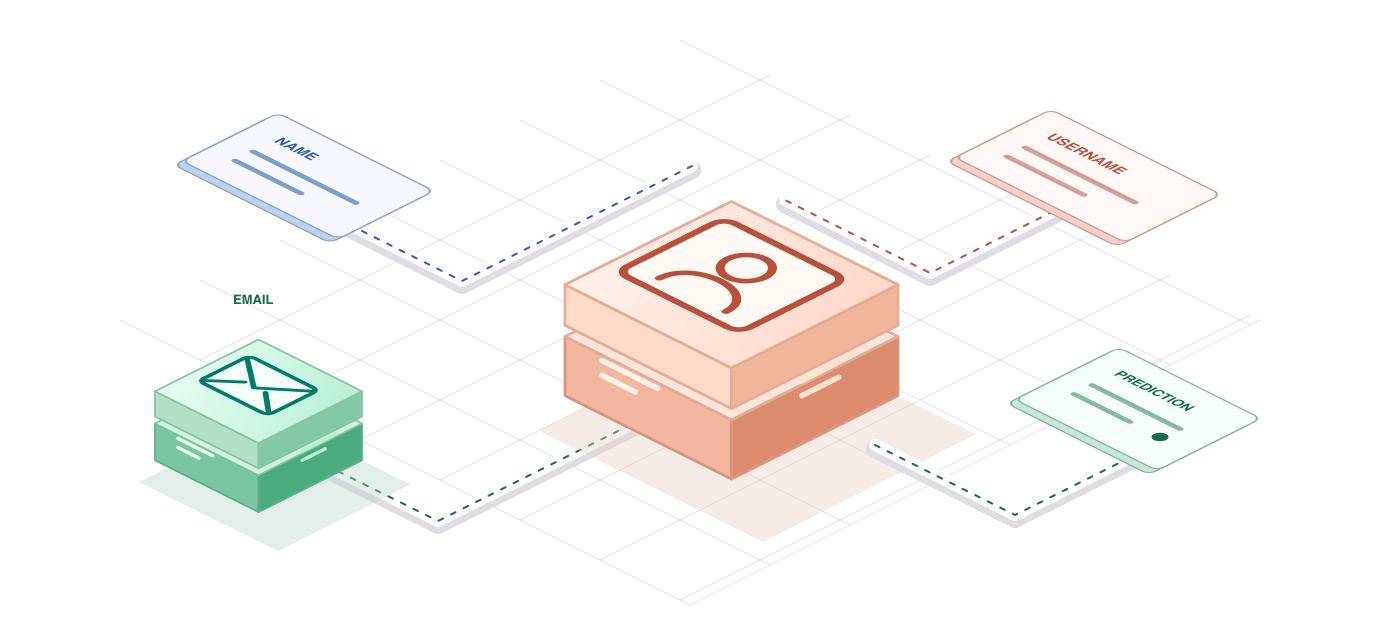
Self-serve SaaS signups usually provide a work email and sometimes a full name. The Finowl gender API can estimate how the name, or the name inside an email local part, is typically used. Research and design teams can use those estimates in aggregate to see whether usability study panels and onboarding interviews resemble the broader user base.
This is a planning aid, not a profile field. Keep predictions in your analytics warehouse, show uncertainty honestly and never let them shape feature access, plan limits, support priority or anything else a user or workspace admin would expect to control. If a feature needs a pronoun or gender, ask the user and let them change it.
USE CASES
Where it fits in saas
Research panel balance
Before recruiting for usability studies, compare the estimated aggregate mix of active users with the planned panel so you can widen outreach if one group is underrepresented.
Inclusive design reviews
Use aggregate estimates by feature or persona to prompt design reviews that check copy, imagery and defaults work for a broad audience, rather than tailoring the product per user.
Community and event reporting
Estimate the aggregate audience of webinars or community programs from registration names to understand reach, reporting unknown results as a visible category in each summary.
Email local-part parsing
When only a work email such as first.last is available, the email endpoint extracts a name candidate, and returns unknown with a reason when the address is a role inbox.
HOW TO INTEGRATE
The workflow
- 1
Export work emails or names of active users to an analytics job, away from your production user tables.
- 2
Call POST /v1/gender/email for each address, or use the batch endpoint for groups of up to 50.
- 3
Record gender, confidence and result_status, and expect no_name_candidate for role addresses such as billing@.
- 4
Aggregate results by cohort or feature and present unknowns alongside identified results.
- 5
Delete per-user predictions once aggregates are computed if you no longer need them.
curl https://api.finowl.co/v1/gender/email \
  -H "Authorization: Bearer $FINOWL_API_KEY" \
  -H "Content-Type: application/json" \
  -d '{
  "email": "maria.santos@example.com"
}'
The API extracts a name candidate from the local part. Role addresses usually return unknown with reason no_name_candidate. 1 credit per lookup.
GOOD PRACTICE
Before you ship
Never use predictions for access control, plan limits, support routing or anything with significant effects on users. Keep them in aggregate research and reporting.
Work emails are personal data. Mention the processing in your privacy notice and, where you act as a processor, make sure your customer agreements allow it.
If your product uses pronouns or salutations, let each user choose and edit them in settings rather than inferring them from a name or email address.
Read the API reference for every field and error code. Each lookup costs 1 credit (3 when it requests AI); see pricing.
A FEW GOOD QUESTIONS
Common questions
More for saas
Gender estimates for SaaS user research and analytics
Start with 100 free credits every month and test the request above in the sandbox.