 Finowl
Language · C# / .NET
Integrate the Finowl API in C# and .NET 8
C# developers can reach every Finowl endpoint with the HttpClient that ships in .NET 8, plus System.Net.Http.Json for serialization. Records map cleanly onto Finowl responses: a Breach record with Title, BreachDate and DataClasses for the breach API, and a GenderPrediction record for name lookups. Because the API is plain JSON over HTTPS, the same code runs in an ASP.NET Core minimal API, a Blazor Server app, a worker service or an Azure Function.
The client below is shaped for IHttpClientFactory. Register it with AddHttpClient<FinowlClient>() and the framework manages handler lifetimes, while the constructor sets the base address, a 15 second timeout and the bearer token from FINOWL_API_KEY. Failed calls throw a FinowlException exposing the HTTP status, the Finowl error code and the parsed Retry-After delta, so callers can use exception filters to separate rate limits from configuration mistakes.
STEP 1
A reusable C# / .NET client
Keep your key in the FINOWL_API_KEY environment variable and route every call through one helper, so authentication, timeouts and error handling live in one place.
dotnet new console -n FinowlQuickstart
cd FinowlQuickstart// FinowlClient.cs
using System.Net;
using System.Net.Http.Headers;
using System.Net.Http.Json;
using System.Text.Json;
public sealed class FinowlException(HttpStatusCode status, string code, TimeSpan? retryAfter)
: Exception($"Finowl API error {(int)status}: {code}")
{
public HttpStatusCode Status { get; } = status;
public string Code { get; } = code;
public TimeSpan? RetryAfter { get; } = retryAfter;
}
public sealed class FinowlClient
{
private readonly HttpClient _http;
public FinowlClient(HttpClient http)
{
var key = Environment.GetEnvironmentVariable("FINOWL_API_KEY")
?? throw new InvalidOperationException("FINOWL_API_KEY is not set.");
_http = http;
_http.BaseAddress = new Uri("https://api.finowl.co");
_http.Timeout = TimeSpan.FromSeconds(15);
_http.DefaultRequestHeaders.Authorization = new AuthenticationHeaderValue("Bearer", key);
}
public async Task<T> PostAsync<T>(string path, object body, JsonSerializerOptions? options = null,
CancellationToken ct = default)
{
options ??= new JsonSerializerOptions(JsonSerializerDefaults.Web);
using var response = await _http.PostAsJsonAsync(path, body, options, ct);
if (response.IsSuccessStatusCode)
return (await response.Content.ReadFromJsonAsync<T>(options, ct))!;
var code = "unknown_error";
try
{
using var doc = JsonDocument.Parse(await response.Content.ReadAsStringAsync(ct));
code = doc.RootElement.GetProperty("error").GetProperty("code").GetString() ?? code;
}
catch (Exception e) when (e is JsonException or KeyNotFoundException or InvalidOperationException) { }
throw new FinowlException(response.StatusCode, code, response.Headers.RetryAfter?.Delta);
}
}
// Register once: builder.Services.AddHttpClient<FinowlClient>();STEP 2
Call the API you need
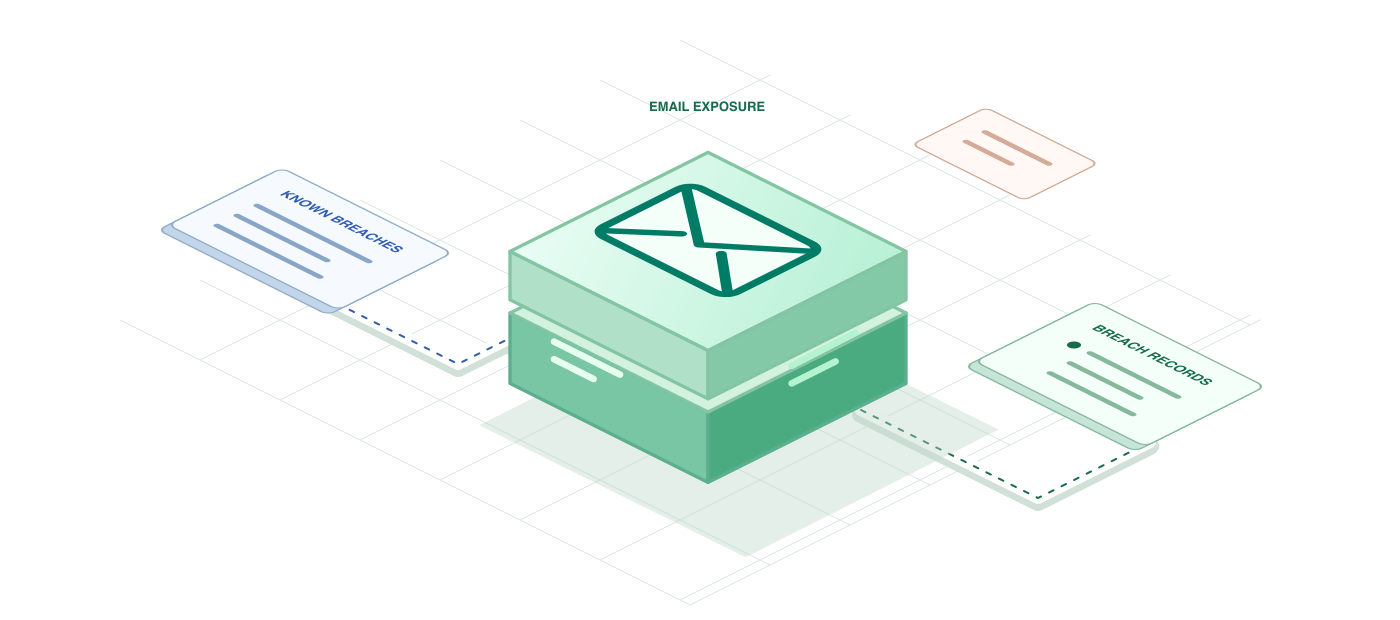
Check email breaches in C# with HttpClient
The C# example posts an anonymous object to /v1/breaches/email with PostAsJsonAsync and deserializes the result into immutable records. Finowl returns breach fields in PascalCase, so a record declared as Breach(string Title, DateOnly BreachDate, string[] DataClasses, bool IsVerified) binds without attributes, and DateOnly gives you a real date instead of a string. Iterating result.Breaches then prints each breach and the categories of data it exposed.
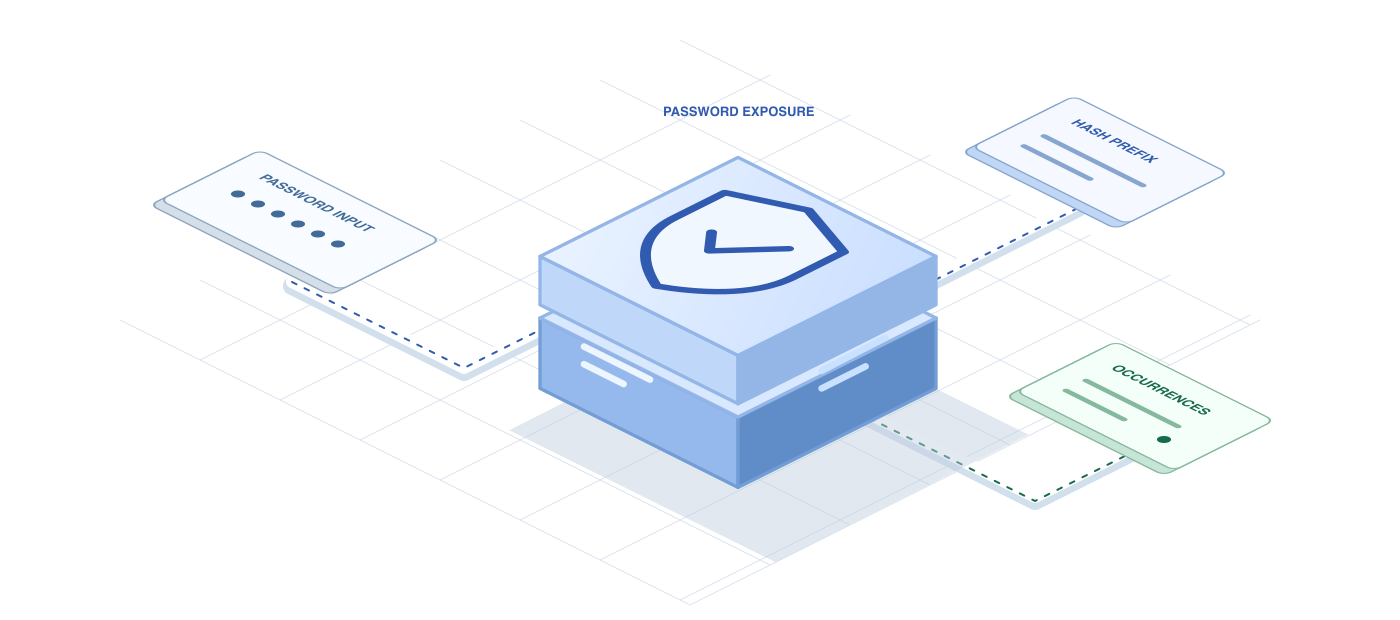
Check breached passwords in C# and .NET 8
This example wraps the password check in a PasswordBreachChecker class that takes an HttpClient through its primary constructor, the same shape you would register with dependency injection. It builds an HttpRequestMessage for /v1/breaches/password with JsonContent.Create and returns the count field as a long. Finowl hashes the password with SHA-1 and looks up only a five-character prefix, so the value is never stored, logged or returned.
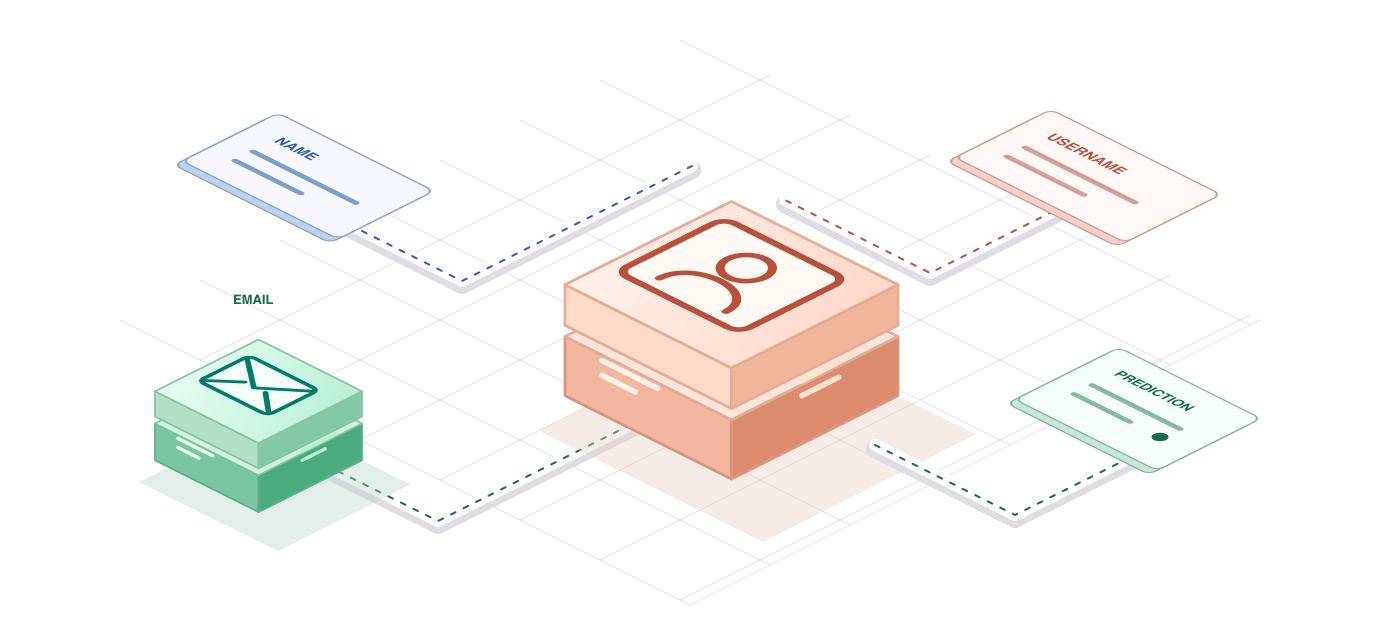
Predict gender from names in C# with .NET 8
Gender responses use snake_case fields such as result_status and confidence_kind, while C# properties are PascalCase. .NET 8 added JsonNamingPolicy.SnakeCaseLower, so a single JsonSerializerOptions instance maps the GenderPrediction record in both directions without attributes. The example sends each name with a country code, because names like Andrea and Kim lean differently between countries, then prints either the gender with its confidence or the reason the result is unknown.
A FEW GOOD QUESTIONS
C# / .NET questions
Other languages and frameworks
Ship with C# / .NET today
100 free credits every month. Try every request in the sandbox first.