 Finowl
Language · Node.js
Call the Finowl API from Node.js with built-in fetch
Node.js 18 and later ship a global fetch, so talking to Finowl needs no npm packages at all. That keeps your dependency tree small in Express APIs, serverless functions and queue consumers alike. Each endpoint is a POST to api.finowl.co with a JSON body and a bearer token, and every error comes back as a small object with a code, which makes the responses easy to route in a single async function.
The helper below wraps fetch with an AbortSignal timeout, reads FINOWL_API_KEY from process.env, and throws a FinowlError that exposes the HTTP status, the error code and the Retry-After delay. Examples use ES modules and top-level await, so save them with an .mjs extension or set type to module in package.json. The API pages that follow cover breach checks in signup routes, password screening, and gender lookups with country hints.
STEP 1
A reusable Node.js client
Keep your key in the FINOWL_API_KEY environment variable and route every call through one helper, so authentication, timeouts and error handling live in one place.
// finowl.mjs (Node.js 18+, uses the global fetch)
const BASE_URL = "https://api.finowl.co";

export class FinowlError extends Error {
  constructor(status, code, retryAfter) {
    super("Finowl API error " + status + ": " + code);
    this.name = "FinowlError";
    this.status = status;
    this.code = code;
    this.retryAfter = retryAfter; // seconds, or null
  }
}

export async function finowl(path, body, { timeoutMs = 10_000 } = {}) {
  const apiKey = process.env.FINOWL_API_KEY;
  if (!apiKey) throw new Error("FINOWL_API_KEY is not set");

  const res = await fetch(BASE_URL + path, {
    method: "POST",
    headers: {
      Authorization: "Bearer " + apiKey,
      "Content-Type": "application/json",
    },
    body: JSON.stringify(body),
    signal: AbortSignal.timeout(timeoutMs),
  });

  if (res.ok) return res.json();

  const payload = await res.json().catch(() => ({}));
  const code = payload?.error?.code ?? "unknown_error";
  const retryAfter = Number(res.headers.get("retry-after")) || null;
  throw new FinowlError(res.status, code, retryAfter);
}

// const result = await finowl("/v1/breaches/email", { email: "alex@example.com" });
STEP 2
Call the API you need
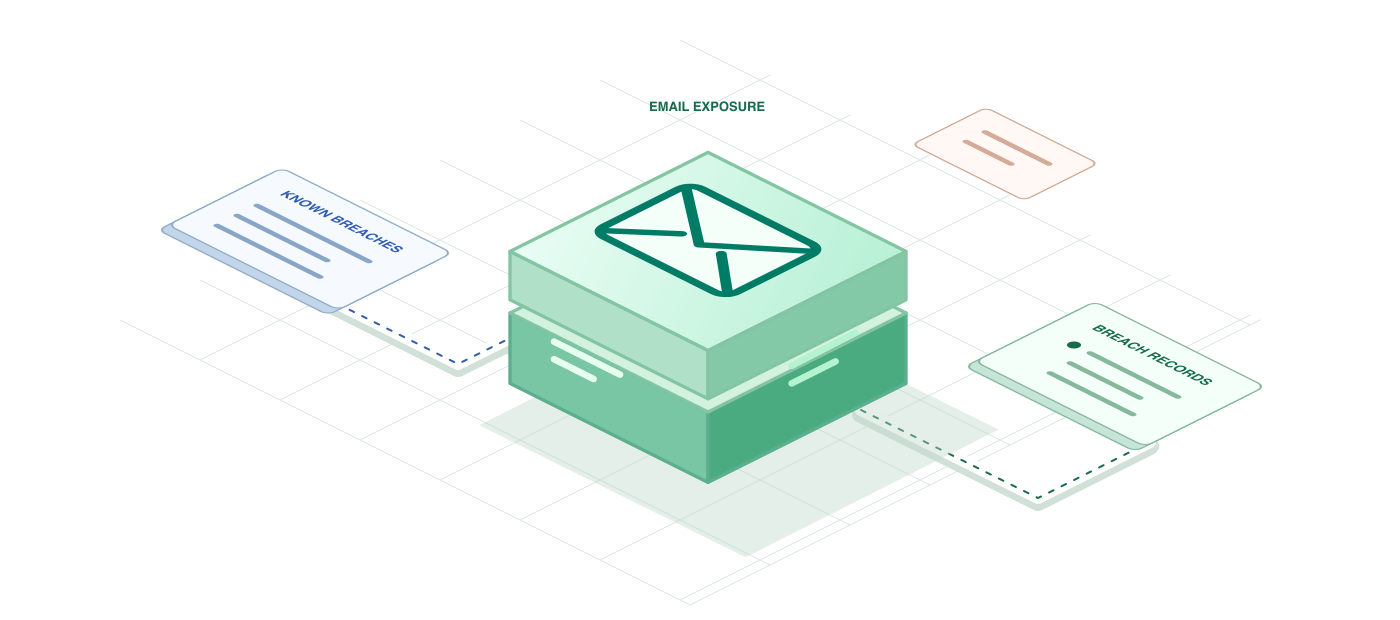
Check email breaches in Node.js with fetch
In Node.js the email breach check is a natural fit for an Express signup route or a background job that walks your users table. The endpoint responds with breached and an array of breach objects whose keys are PascalCase, such as Title, BreachDate and DataClasses. Because the response is plain JSON, you can map it straight into the shape your frontend or notification template expects.
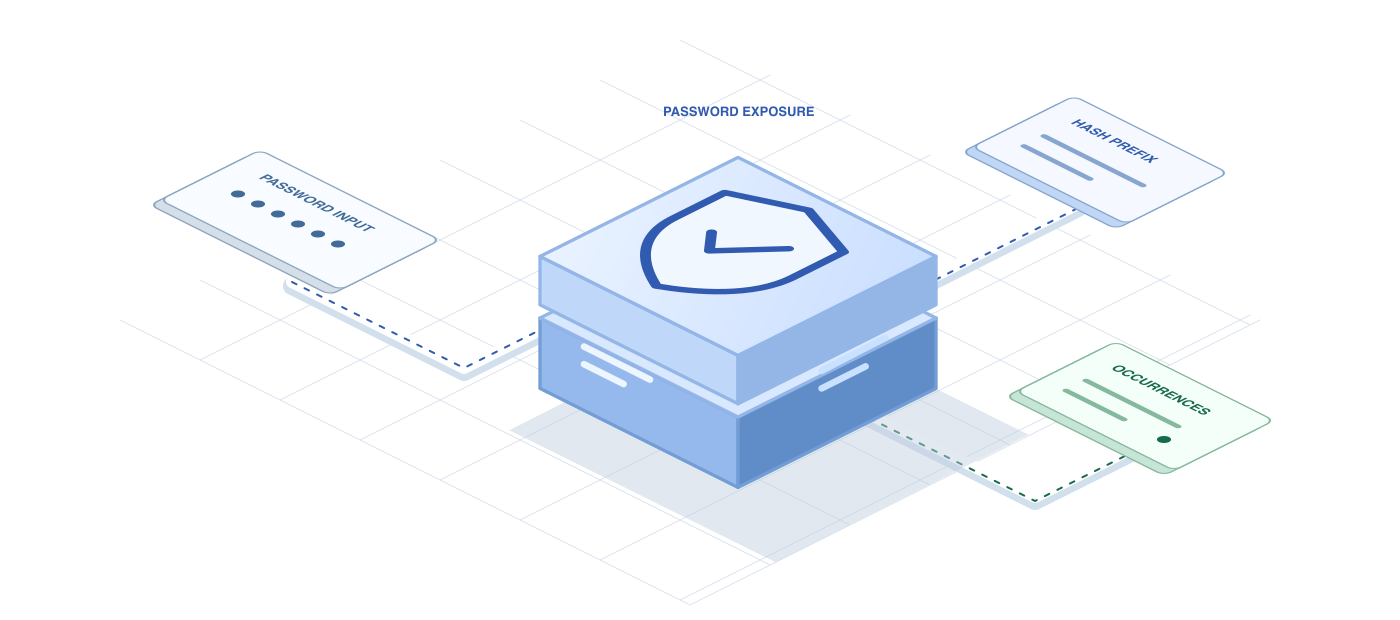
Screen breached passwords in Node.js
Credential stuffing works because people reuse passwords that already leaked somewhere else. Checking new passwords in your Node.js backend closes that gap at the moment it matters. The endpoint takes the password in the JSON body and answers with breached and count. Finowl hashes it with SHA-1, searches using only a 5-character prefix, and never logs, stores or returns the value.
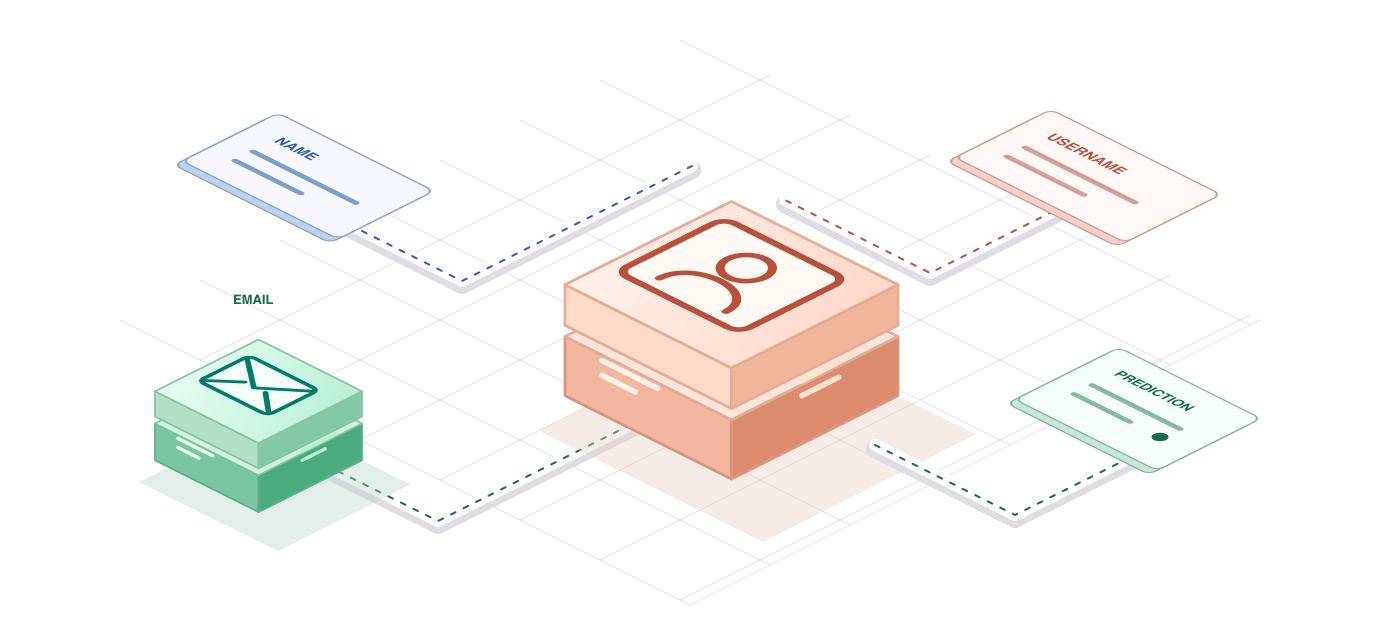
Predict gender from a name in Node.js
For Node.js services that personalize onboarding emails or build aggregate audience reports, the gender name endpoint returns a compact prediction under data. The interesting fields are result_status, gender, confidence, confidence_kind and source. Sending a country code with each name gives Finowl a hint for names like Jean or Andrea whose usage varies by region, and the response echoes the country it used.
A FEW GOOD QUESTIONS
Node.js questions
Other languages and frameworks
Ship with Node.js today
100 free credits every month. Try every request in the sandbox first.