 Finowl
Send an IP address
Post an IPv4 or IPv6 address to the IP Lookup endpoint, authenticated with your API key.
FINOWL / IP LOOKUP
Get the country, region, city and network behind an IPv4 or IPv6 address, with hosting provider and Tor exit signals. Answered from data on Finowl's own servers, refreshed daily.
HOW IT WORKS
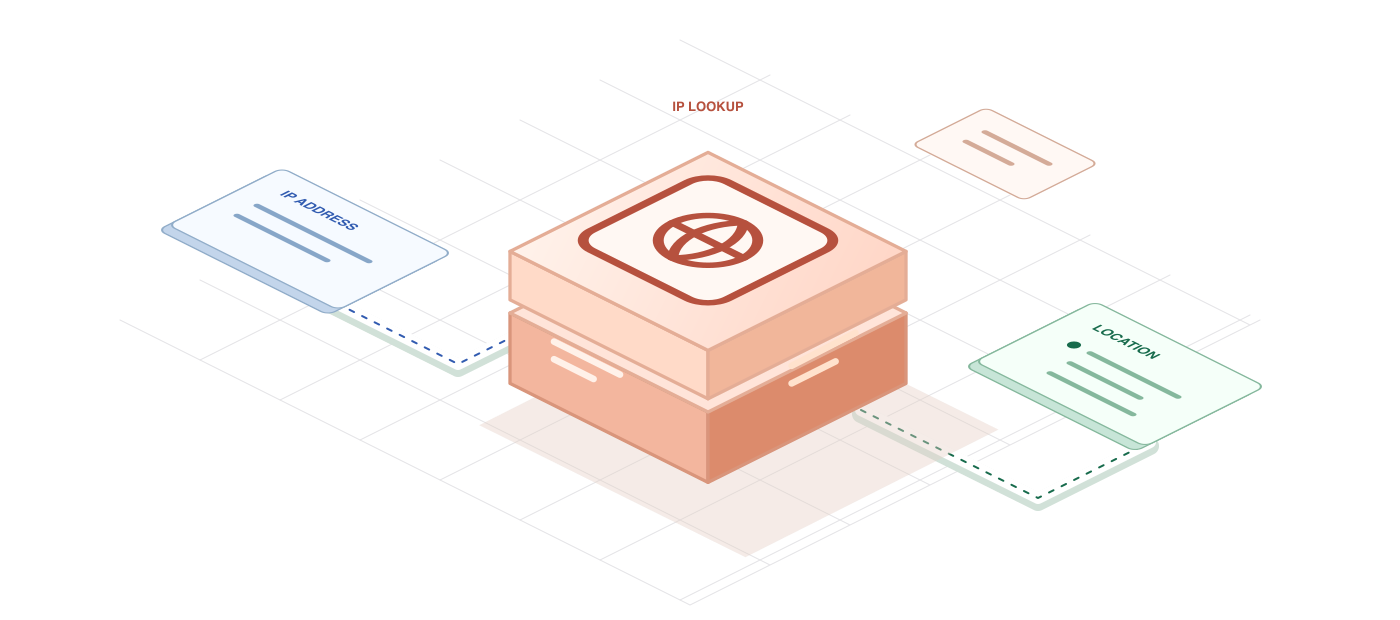
Post an IPv4 or IPv6 address to the IP Lookup endpoint, authenticated with your API key.

Finowl matches the address against location and network data held in memory and refreshed daily.

Receive the country, region, city and network, with hosting provider and Tor exit signals.
SEE IT IN ACTION
POST/v1/ip/lookup
curl https://api.finowl.co/v1/ip/lookup \ -H "Authorization: Bearer $FINOWL_API_KEY" \ -H "Content-Type: application/json" \ --data '{ "ip": "8.8.8.8" }'{ "ip": "8.8.8.8", "version": 4, "country_code": "US", "country": "United States", "region": "California", "city": "Mountain View", "asn": 15169, "as_name": "Google LLC", "hosting": true, "hosting_provider": "google_cloud", "tor": false, "reserved": false}WHERE IT FITS
Notice a sign-in from a new country or a hosting network, and add it to the context you already review.
Choose a sensible default country, language or currency for a first visit, and let people change it.
Flag signups from cloud ranges or Tor exits for review alongside your other fraud and abuse checks.
IP location describes a network, not a person. Use it as context for a proportionate response, not as the only reason to block someone.
THE RESPONSE
Every response describes where an address is registered and which network it belongs to, with unknown fields left empty.
Hosting and Tor signals tell you how traffic reaches you. They are reasons to look closer, not proof of abuse.
IP geolocation by DB-IP, licensed under CC BY 4.0.
A FEW GOOD QUESTIONS
Add location and network context to your next sign-in, signup or localization workflow.